
Step 1
Upload an image or paste an image URL
Use local files or direct image links as your starting input.
Upload an image or paste a direct image URL to create a copy-ready prompt for Midjourney, FLUX, Stable Diffusion, SDXL, and universal image workflows.
Images are processed temporarily
Drop, paste, or choose one image
PNG, JPG, or WEBP. Images are processed temporarily.
Large images may be compressed for faster analysis.
Generate one recommended prompt first. Model-specific rewrites stay available after the result.
1 credit = 1 prompt action
One copy-ready prompt first. Details stay available when you need to tune it.
editorial portrait, soft window light, natural skin texture, balanced composition, clean background, refined color grading
Generate a prompt to replace this preview with your own result.
Turn a reference image into reusable prompt text in three simple steps.
Use local files or direct image links as your starting input.
Use Universal by default, or choose Midjourney, FLUX, or Stable Diffusion / SDXL before generating.
Get one clear prompt first, then optimize for another model only when you need it.
The default path stays simple: generate one prompt first, then adapt the result only when a specific model needs different wording.
Best for: First result and broad compatibility
Includes: Subject, setting, style, composition, lighting, color, details
Best for: Stylized, cinematic, editorial, and aesthetic outputs
Includes: Prompt rewrite plus aspect ratio, stylize, chaos, seed, and --no guidance
Best for: Natural-language realism and clean composition control
Includes: Realistic detail, camera language, material texture, and concise scene structure
Best for: Positive and negative prompt workflows
Includes: Positive prompt, negative prompt, SDXL direction, style and artifact control
A useful result should reduce editing work, not just describe the image in generic words.
The prompt should name the main subject and avoid vague wording that forces another search.
Setting, lighting, camera, composition, and color should come from the reference image.
The result should be copy-ready first, then adaptable to Midjourney, FLUX, or SDXL.
Stable Diffusion workflows should be able to exclude common artifacts without bloating the main prompt.
The main action is upload, convert, and copy. Advanced model choices stay available after the first result.
Upload PNG, JPG, or WEBP files first. Direct image URL input stays available when you need it.
Generate one Universal prompt by default so you can copy quickly without choosing a model first.
Rewrite the result for Midjourney, FLUX, or Stable Diffusion / SDXL only after the first prompt is ready.
Copy one main prompt first. Image understanding and prompt details stay available as supporting information.
Images are intended for temporary processing rather than permanent public examples.
One prompt action uses one monthly use; failed generation paths should not consume paid value.
It turns visual references into prompt text you can reuse, edit, and adapt.
Use this page when you already have a reference image and want prompt text that captures subject, style, composition, and visual tone.
The output is meant to be reusable: start from one image, then optimize for your selected model and adapt it again only when needed.
Turn visual references into prompt text you can reuse across projects.
Extract structure from visual examples so prompts can be reused and iterated.
Choose the fastest input path based on your asset source and workflow.
Keep the output ready for common AI image models and prompt libraries.
Choose a target model before generation, then adapt the prompt for another workflow when needed.
Review prompt examples generated from real image-style inputs.
Input
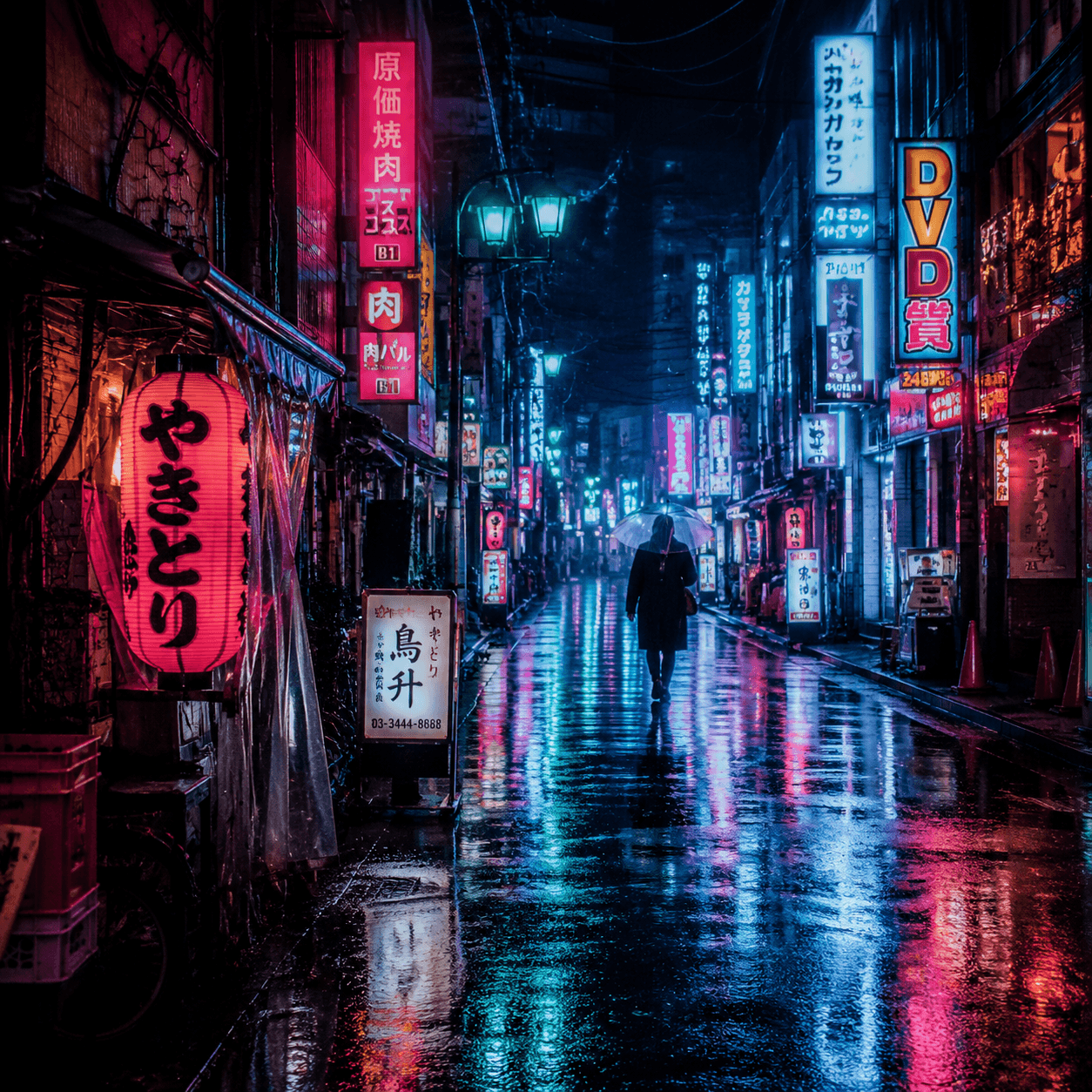
Uploaded image: neon-lit Tokyo street at night
MidjourneyGenerated prompt
rainy neon Tokyo alley at night, reflective pavement, dense urban signage, cinematic framing, ambient haze, vibrant magenta and cyan glow, high-detail street texture, dramatic atmospheric mood
Useful for cinematic city scenes from real references.
Input
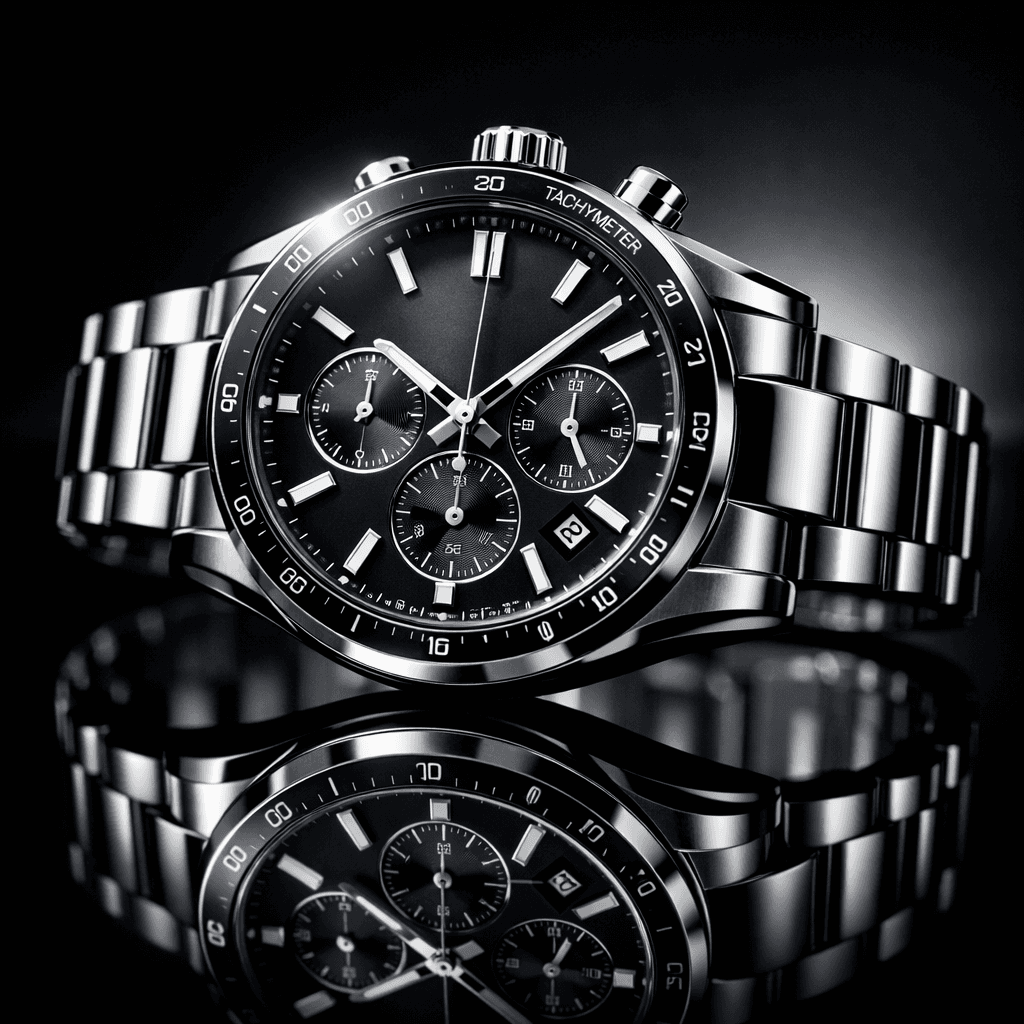
Image URL: luxury watch on black reflective background
FLUXGenerated prompt
luxury wristwatch product shot on glossy black reflective surface, studio key and rim lighting, crisp metallic highlights, shallow depth of field, premium ecommerce composition, clean and realistic material detail
Designed for product photography prompt extraction.
Input
Uploaded image: anime character under cherry blossoms
Stable Diffusion / SDXLGenerated prompt
anime girl under blooming cherry blossoms, wind-blown petals and hair motion, soft spring light, pastel palette, expressive eyes, clean linework, detailed outfit folds, high-quality anime scene composition
Great for style-preserving anime prompt adaptation.
Key details about upload flow, privacy expectations, and output options.
Continue with text-based prompting or explore model-specific prompt workflows.