
Image to Prompt
Upload an image or paste a direct image URL, then generate a structured prompt.
Open toolConvert reference images into structured AI prompts, then adapt the result for the image model you want to use.
Upload an image or paste a direct image URL, then generate a structured prompt.
Open toolBrowse approved prompt examples with model-ready wording and negative prompts.
Open toolShape prompts toward cinematic, stylized, and aesthetic Midjourney outputs.
Open toolWrite clear natural-language prompts for realistic and composition-focused results.
Open toolCreate SDXL-friendly prompt wording with positive and negative prompt guidance.
Open toolThis workflow focuses on one practical path: image in, recommended prompt out. Supporting details stay available for users who want to tune style, composition, lighting, or SDXL negative prompt wording.
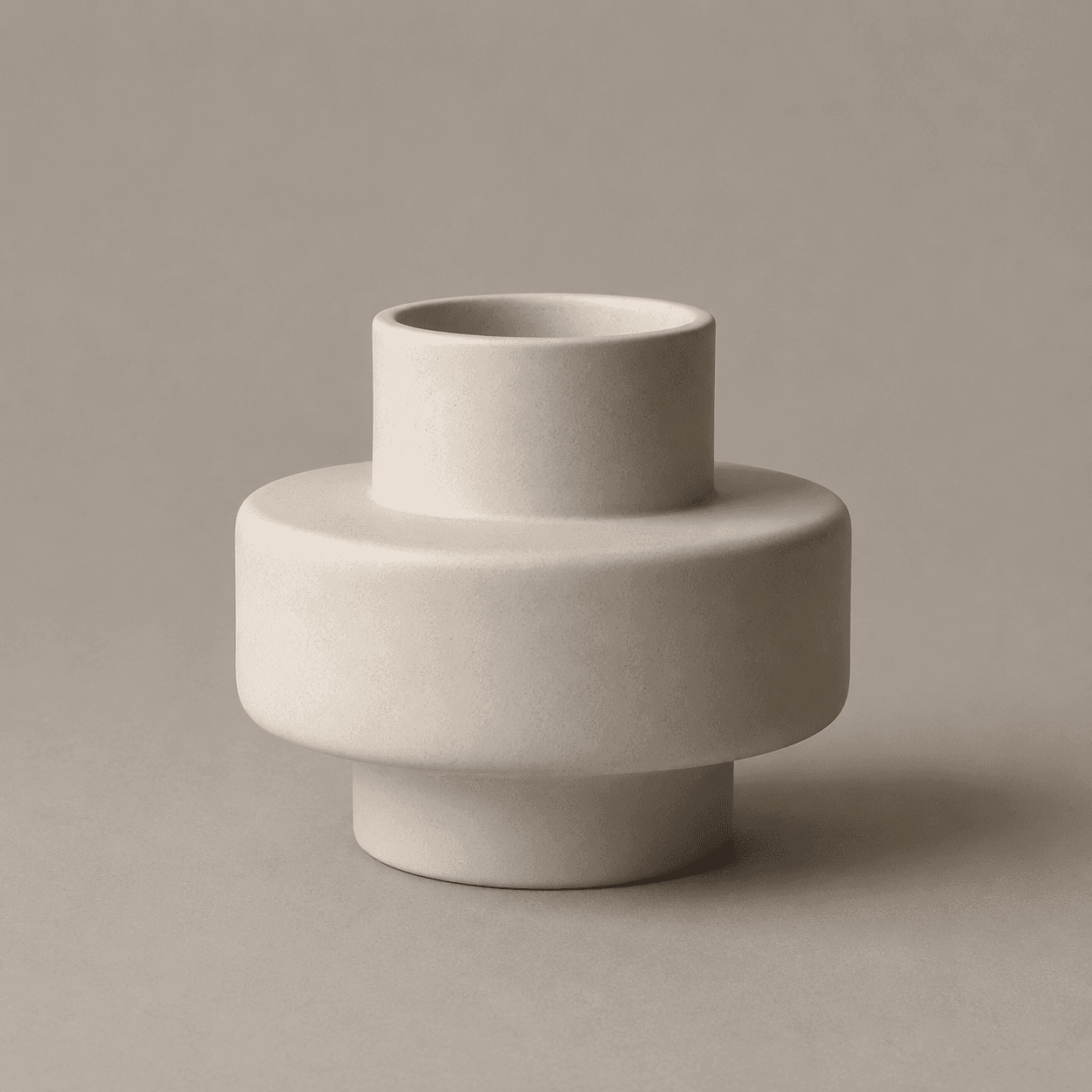
This tool stays focused on prompt workflows instead of becoming a broad image editor or full image generation suite.
Start from an uploaded image or image URL and turn visual details into reusable prompt text.
Adapt the same result for Midjourney, FLUX, and Stable Diffusion-style workflows.
Browse reviewed examples by model, use case, and visual category before creating your own.
Plans are based on prompt actions. Full image generation is not part of the first pricing promise.
A short preview of curated prompts for common image generation workflows.
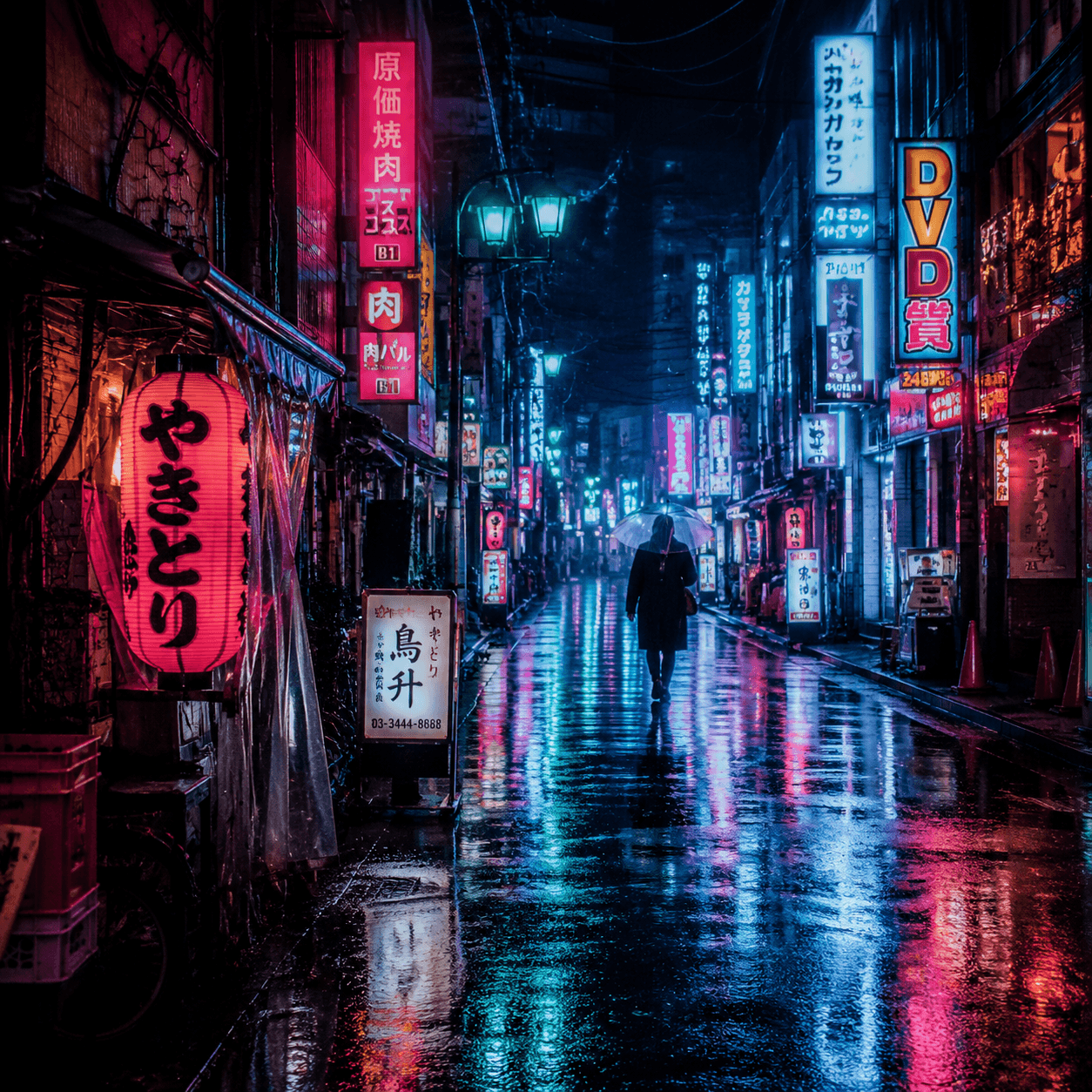
rainy neon Tokyo alley at night, reflective pavement, dense urban signage, cinematic framing, ambient haze, vibrant magenta and cyan glow, high-detail street texture, dramatic atmospheric mood
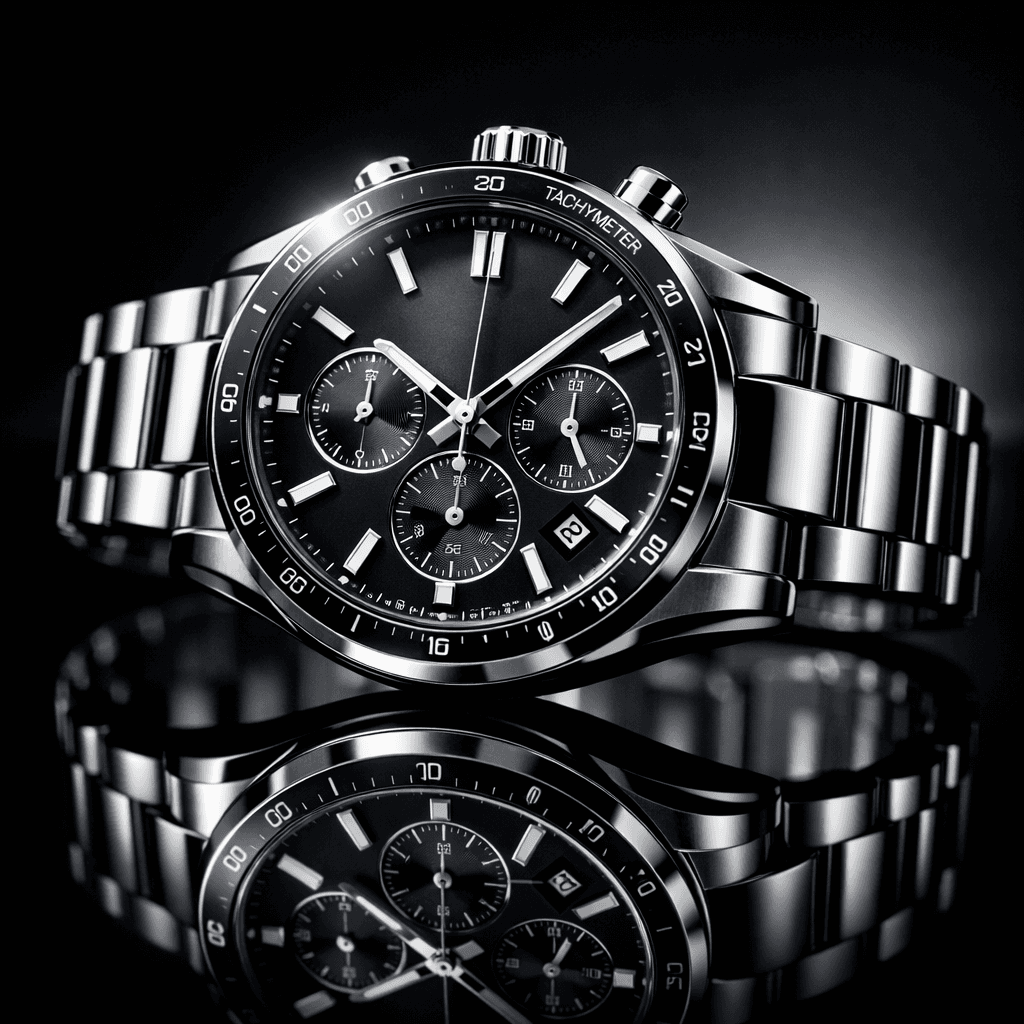
luxury wristwatch product shot on glossy black reflective surface, studio key and rim lighting, crisp metallic highlights, shallow depth of field, premium ecommerce composition, clean and realistic material detail
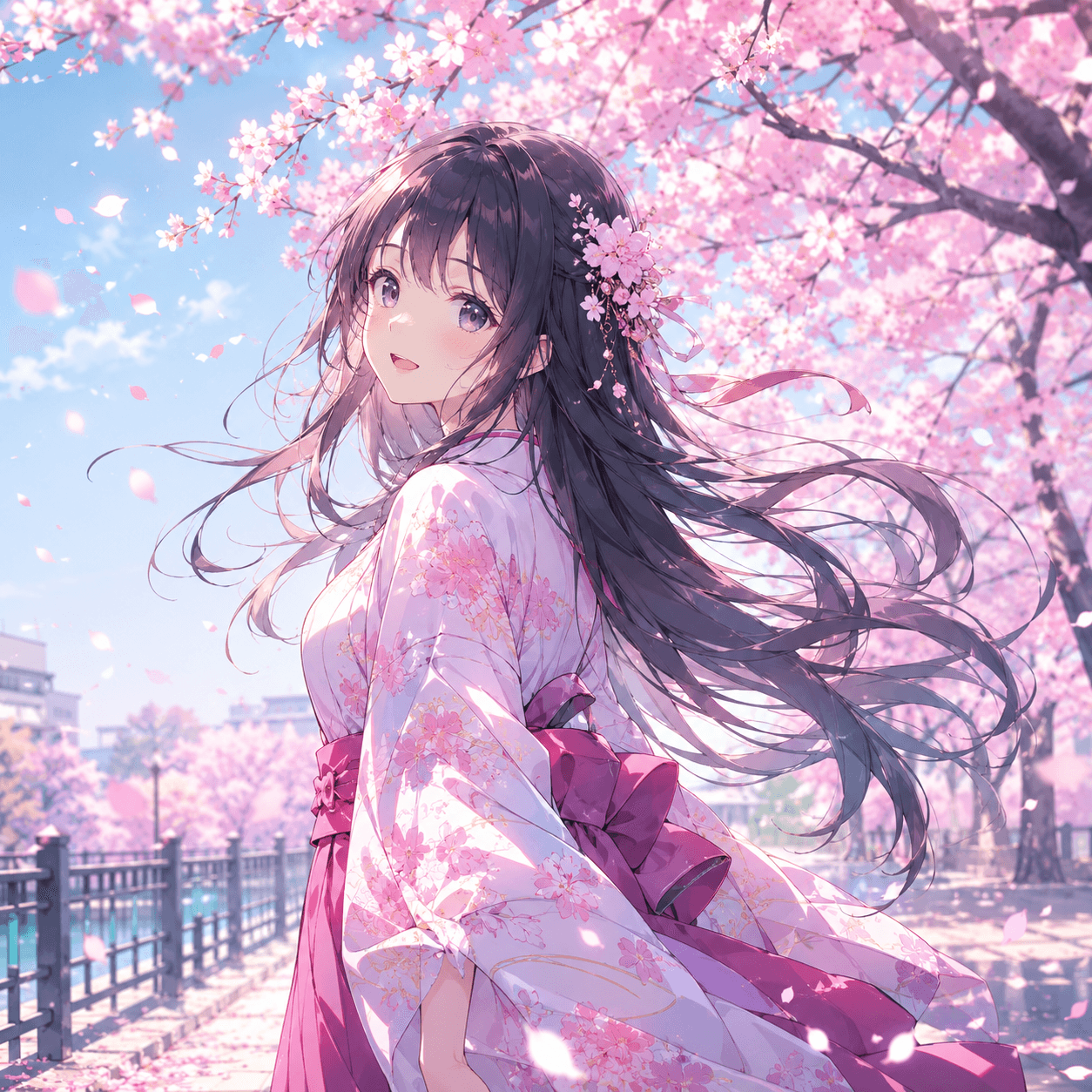
anime girl under blooming cherry blossoms, wind-blown petals and hair motion, soft spring light, pastel palette, expressive eyes, clean linework, detailed outfit folds, high-quality anime scene composition