
Positive prompt
Describe subject, scene, lighting, camera angle, style, and quality cues in a clear order.
Convert a reference image into structured Stable Diffusion and SDXL prompt text with subject detail, style cues, composition, lighting, and negative prompt guidance.

Use these fields after generating a base prompt from an image. They help keep Stable Diffusion and SDXL output structured without pretending this page is a full image generator.
Describe subject, scene, lighting, camera angle, style, and quality cues in a clear order.
Exclude low-quality artifacts such as watermark, extra fingers, distorted hands, blurry details, and text errors.
Use clearer natural-language descriptions for SDXL, with less keyword stuffing and stronger scene structure.
Add style, lens, medium, composition, and material cues only when they help the target output.
Start from the generated image prompt, then choose the preset shape that matches the final image workflow.
Positive: natural subject wording, camera angle, real material texture, controlled lighting
Negative: plastic skin, warped anatomy, watermark, blurry detail, text artifacts
Positive: character pose, line quality, outfit details, expressive eyes, clean background
Negative: extra fingers, broken hands, uneven eyes, muddy colors, cropped head
Positive: centered product, studio lighting, realistic reflections, material and label area
Negative: misspelled label, warped package, harsh glare, clutter, low-resolution texture
Positive: environment scale, atmosphere, composition, color palette, cinematic lighting
Negative: broken perspective, noisy texture, random symbols, floating objects, over-sharpening
Use these examples as references, then generate your own prompt from a visual input.

anime girl under blooming cherry blossoms, soft spring light, detailed outfit folds, expressive eyes, pastel color palette, clean linework, high quality anime illustration
Open in tool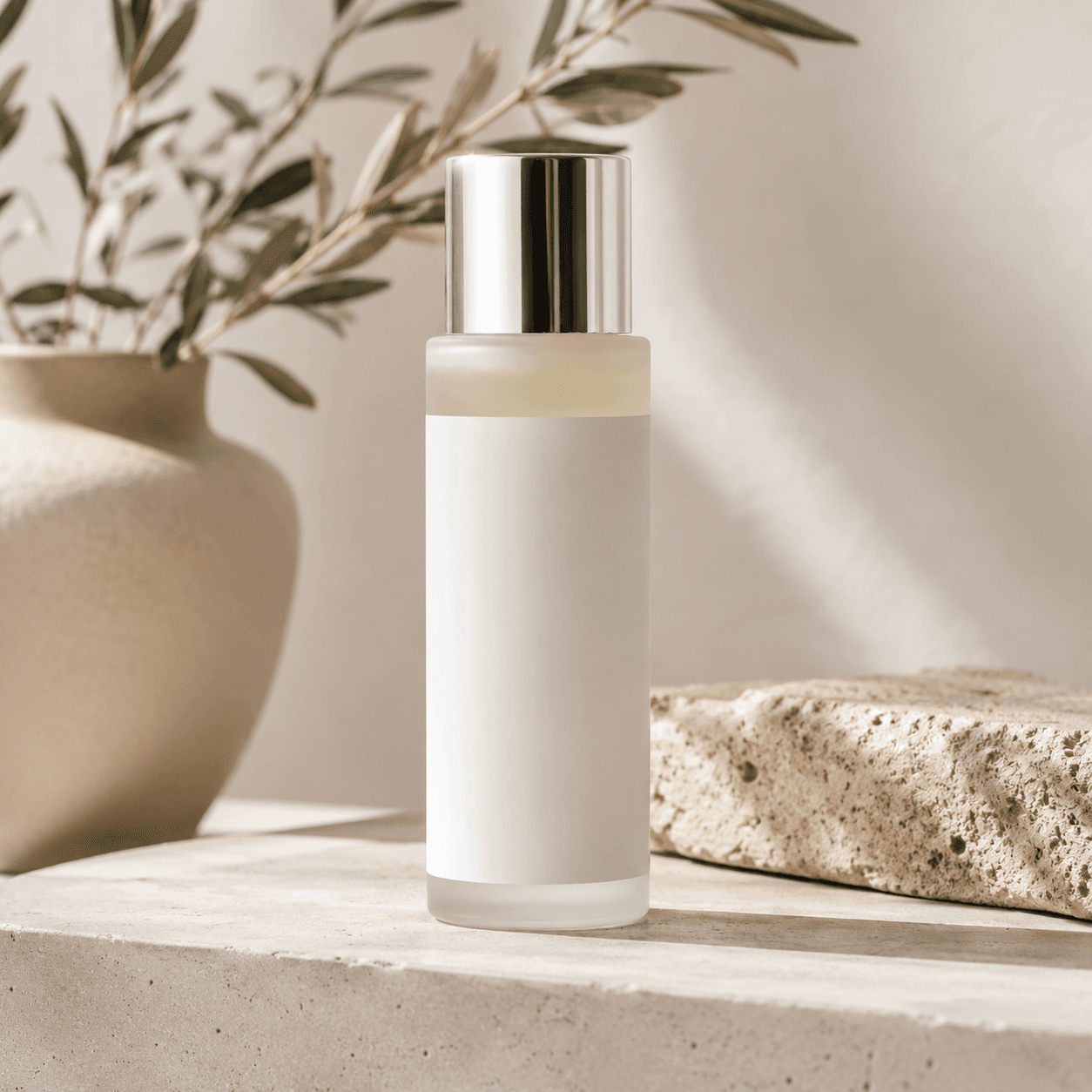
premium skincare bottle on matte stone surface, clean studio lighting, realistic material texture, centered ecommerce composition, soft shadow, high detail product photography
Open in tool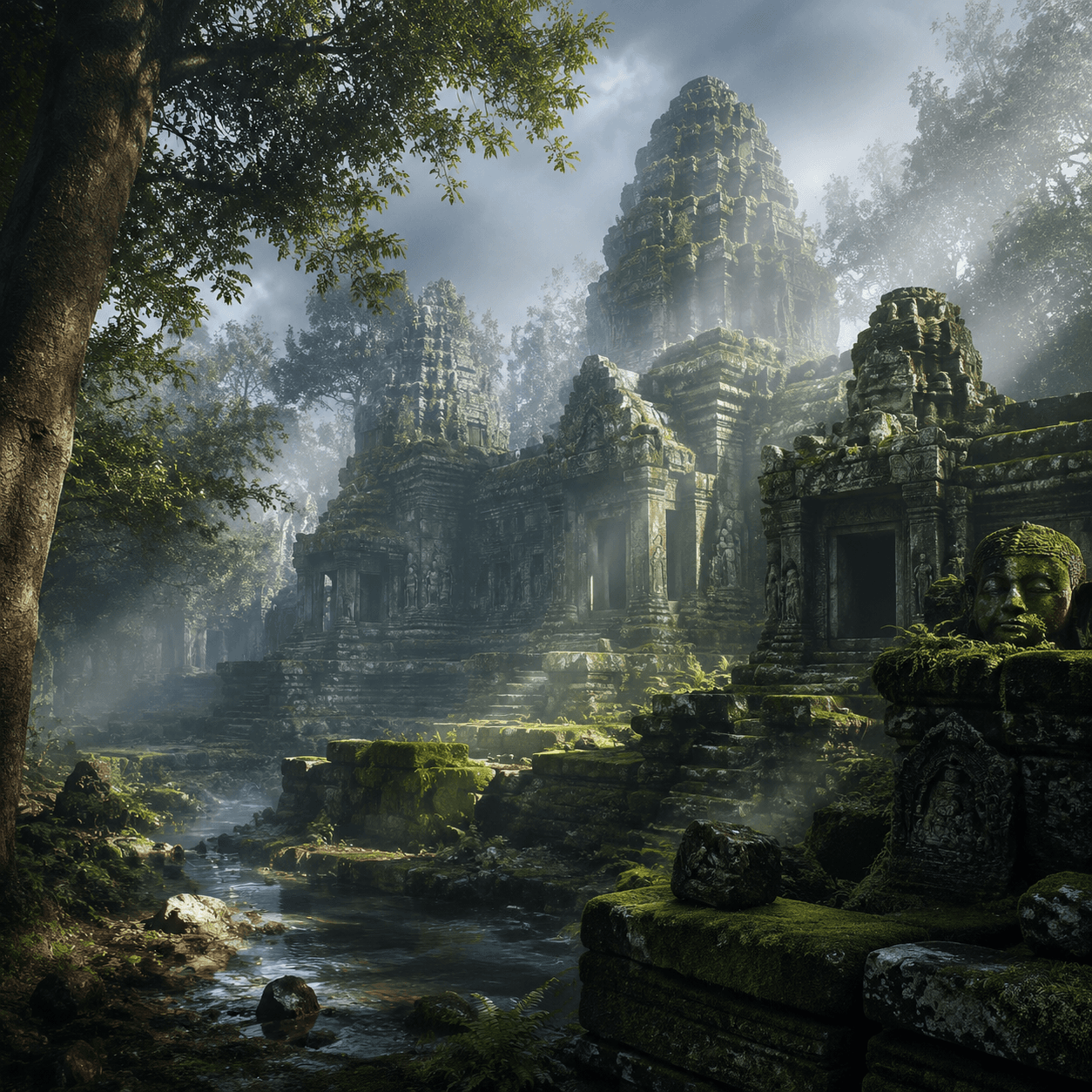
ancient fantasy temple ruins in a misty forest, moss-covered stone, soft volumetric light, atmospheric depth, detailed architecture, cinematic concept art
Open in tool