
Subject core
Start with the main person, product, environment, or object from the image.
Convert a reference image into a structured Midjourney prompt with subject, style, composition, lighting, and negative prompt guidance.
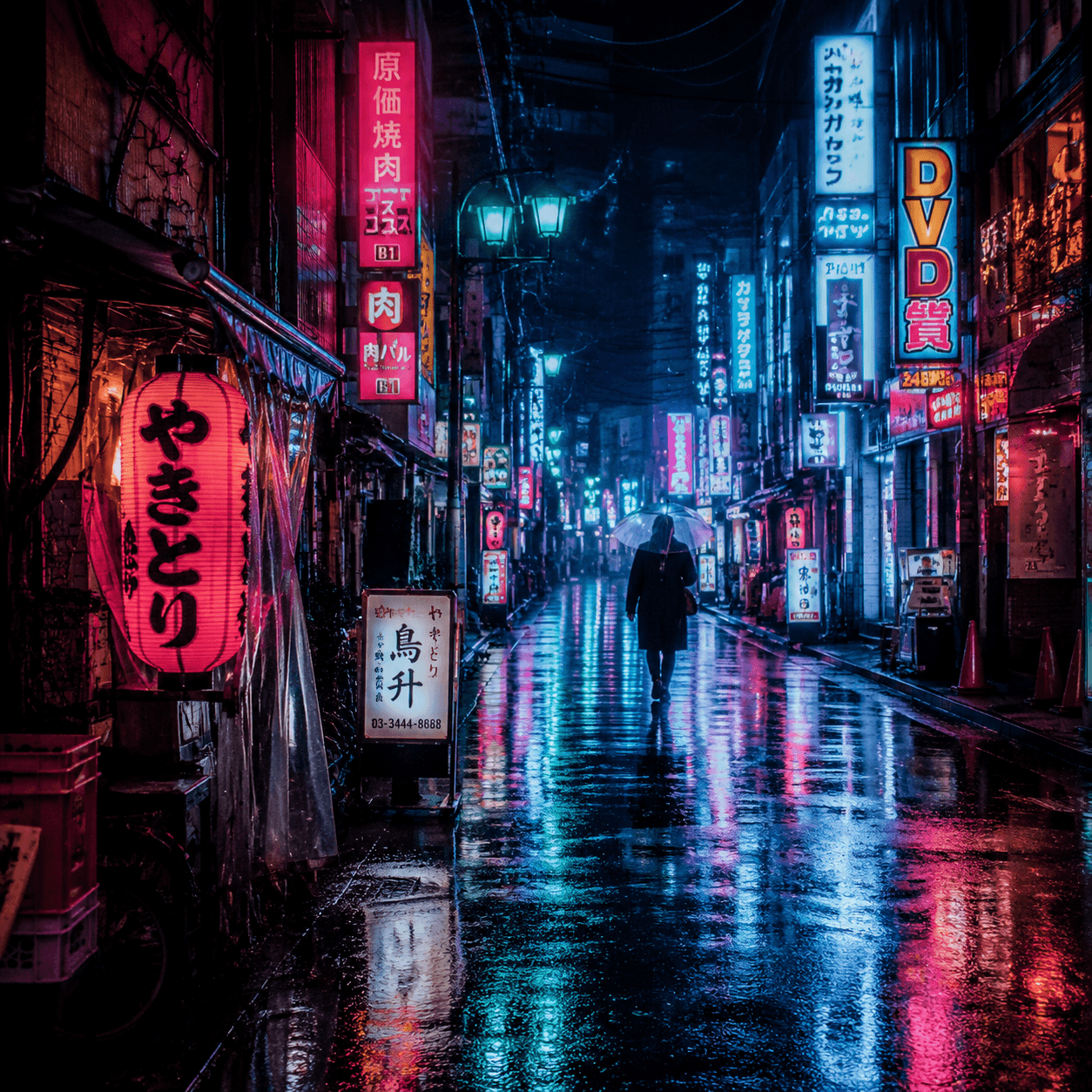
Use these fields after generating a base prompt from an image. They help shape composition, variation, and artifact control without turning this page into a full image generator.
| Control | Example value | When to use it |
|---|---|---|
| Aspect ratio | --ar 16:9, --ar 4:5, --ar 1:1 | Set the image frame before you generate, especially for thumbnails, portraits, and product crops. |
| Stylize | --stylize 100 to 750 | Increase when you want a stronger aesthetic interpretation; keep lower for cleaner reference fidelity. |
| Chaos | --chaos 5 to 30 | Raise variation when exploring ideas; keep low when the reference image should stay controlled. |
| Seed | --seed 1234 | Reuse a seed when you want more consistent experiments across prompt revisions. |
| Negative guidance | --no text, watermark, distorted hands | Remove recurring artifacts or details that should not appear in the generated image. |
A strong Midjourney prompt should read well before parameters are appended. Use the image-to-prompt result as the core, then add only the controls you actually need.
Start with the main person, product, environment, or object from the image.
Add cinematic, editorial, anime, product, architectural, or documentary style only when it matches the reference.
Use lens, angle, crop, and composition language before adding Midjourney parameters.
Append --ar, --stylize, --chaos, --seed, and --no after the natural-language prompt.
Use these examples as wording references, then generate your own prompt from an image.
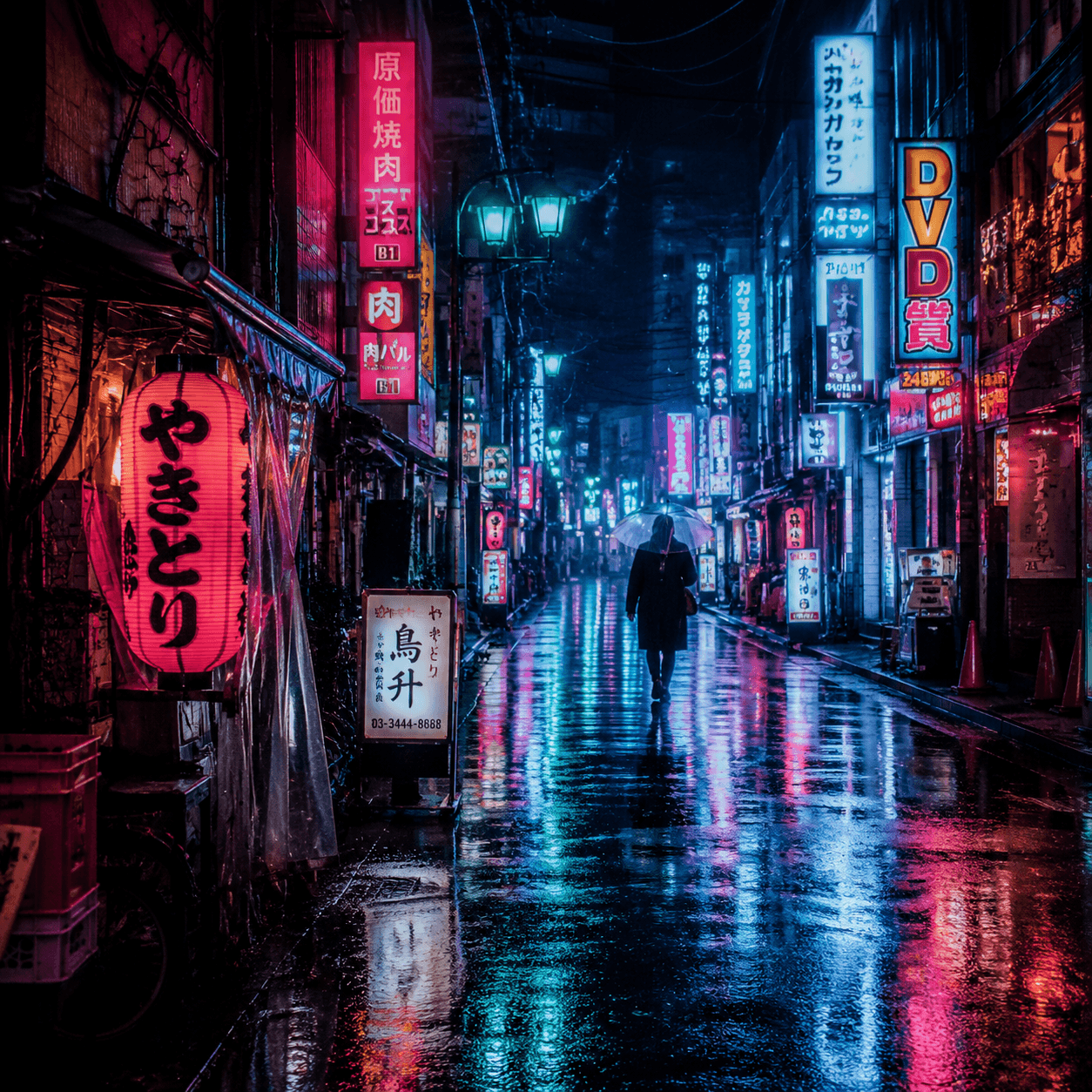
rain-soaked neon alley at night, reflective pavement, dense signage, cinematic framing, ambient haze, magenta and cyan glow, high-detail street texture, dramatic atmosphere
Open in tool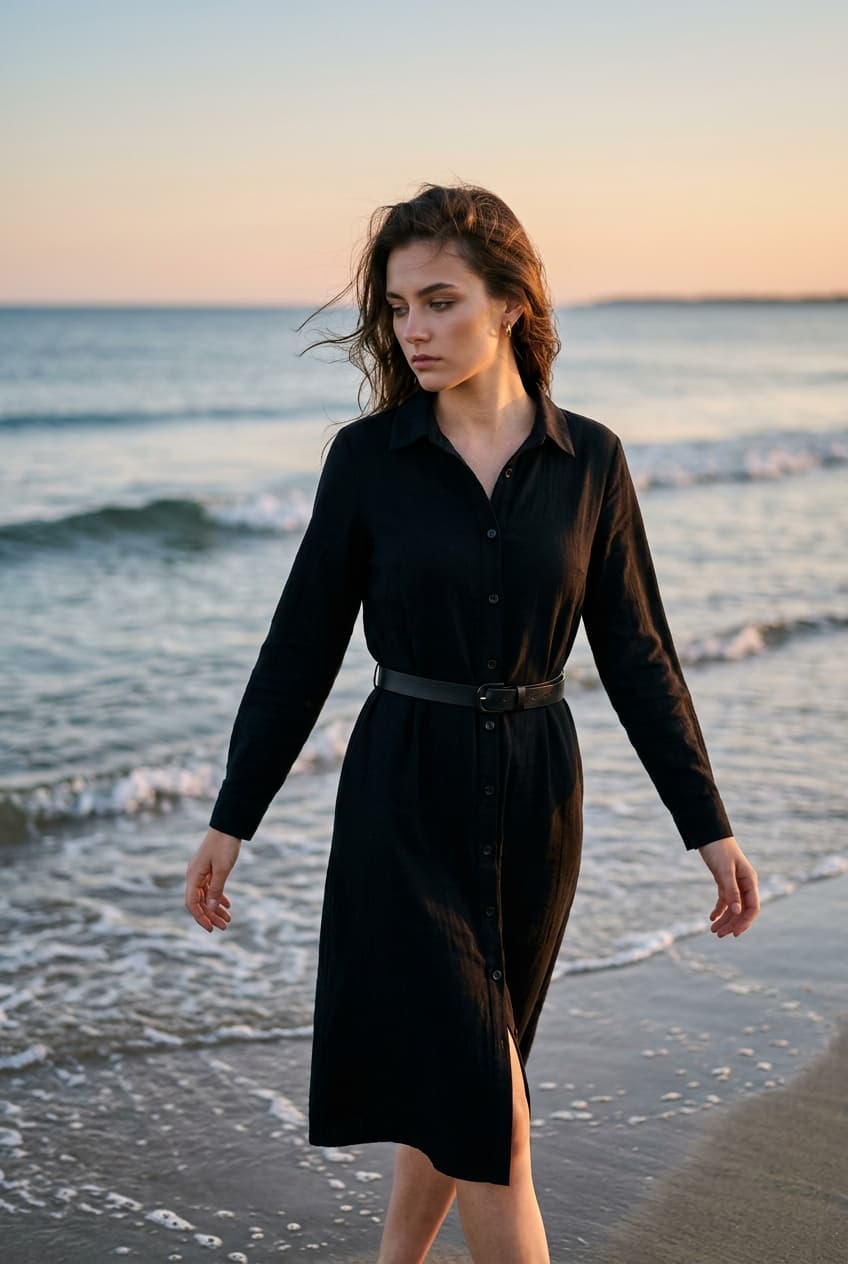
editorial fashion portrait at the shoreline during golden hour, windswept hair, soft side light, clean horizon, shallow depth of field, refined magazine color grading
Open in tool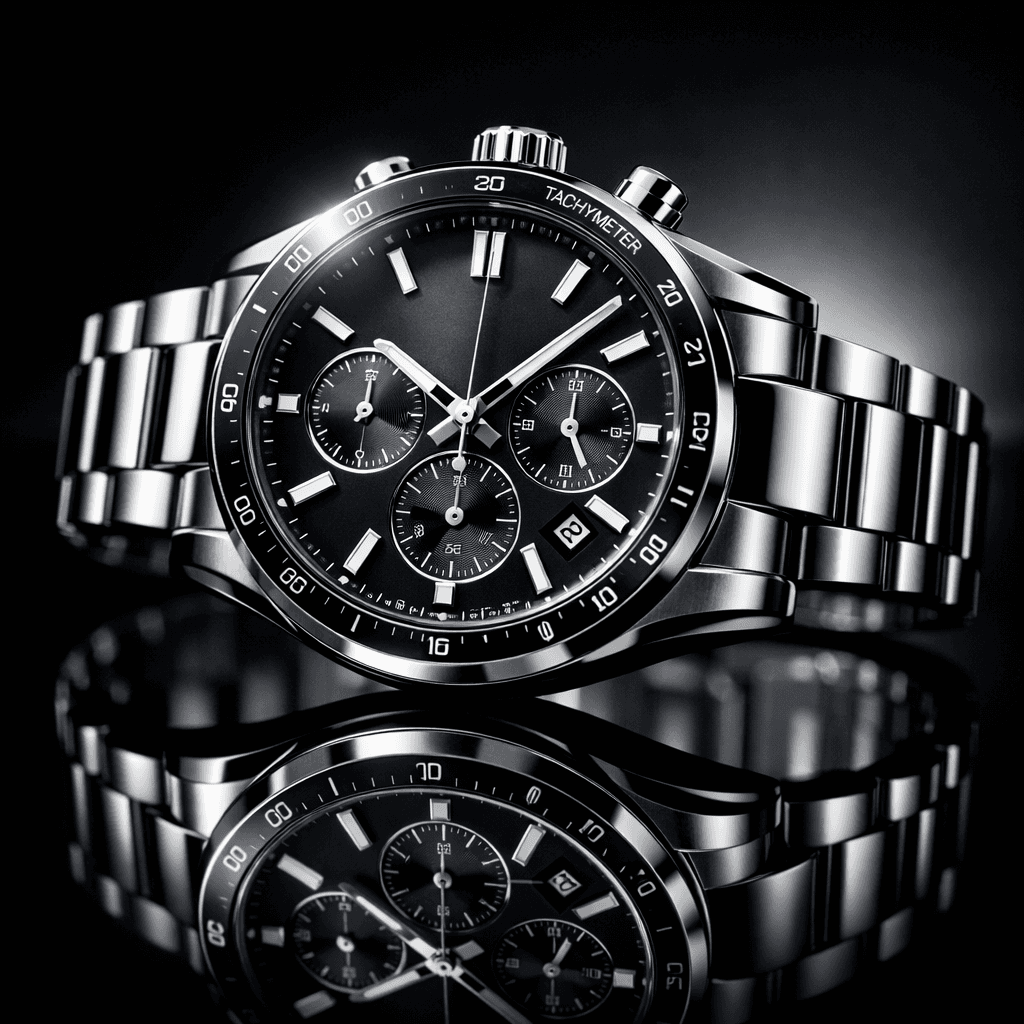
luxury wristwatch hero shot on glossy black reflective surface, studio key light and rim light, crisp metallic highlights, premium ecommerce composition
Open in tool