
Natural description
Use readable scene language instead of dense keyword chains. FLUX prompts usually benefit from clear visual sentences.
Convert a reference image into a clear FLUX prompt for realistic detail, balanced lighting, controlled composition, and reusable negative prompt guidance.

FLUX prompts work best when the prompt is specific but readable. Use these fields to turn an image-to-prompt result into a stronger model-ready version.
Use readable scene language instead of dense keyword chains. FLUX prompts usually benefit from clear visual sentences.
Name surfaces, fabric, metal, skin, packaging, furniture, or landscape texture visible in the reference.
Specify angle, crop, focal length feel, subject placement, and background separation when they affect the result.
Describe soft window light, studio key light, overcast light, rim light, or golden hour when the image shows it.
Product photo, interior, portrait, landscape, and ecommerce prompts need different levels of detail.
Keep negative guidance short: text errors, watermarks, warped shapes, and low-detail artifacts.
Practical examples for realistic interiors, products, and natural scenes.

modern living room interior, warm sunset light through large windows, clean Scandinavian styling, natural wood textures, realistic color rendering, soft shadow detail
Open in tool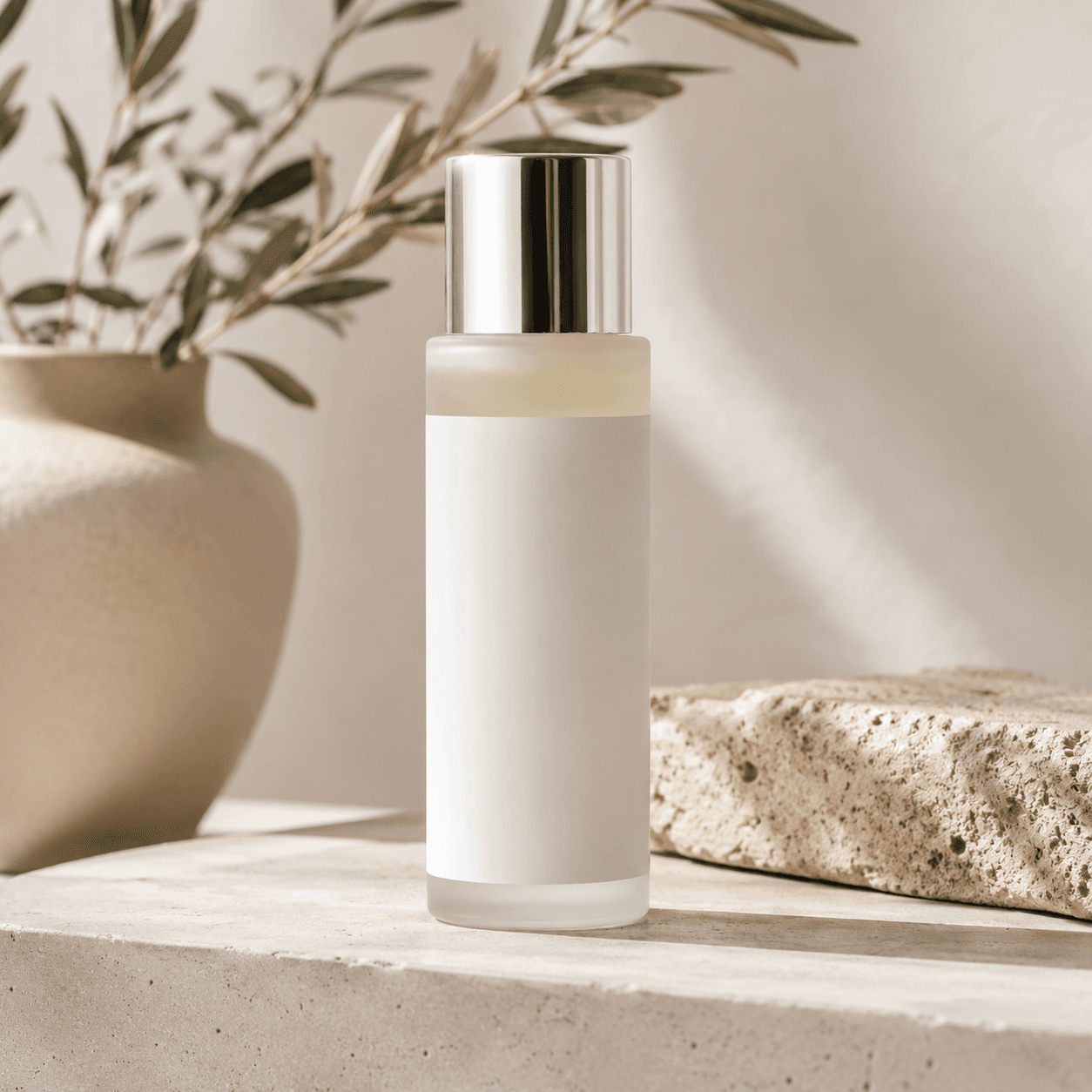
premium skincare bottle close-up on neutral stone surface, soft natural side lighting, realistic material highlights, minimal background, high-detail product shot
Open in tool
wooden mountain cabin in misty morning forest, soft diffused light, natural color palette, atmospheric depth, realistic textures, calm documentary photography feel
Open in tool